

One connected system
The public site and the private admin as one deployment, reading the same records.
Case study · Website + admin system
A creative studio’s public site and private admin, built as one system the studio runs itself.
01 — The brief
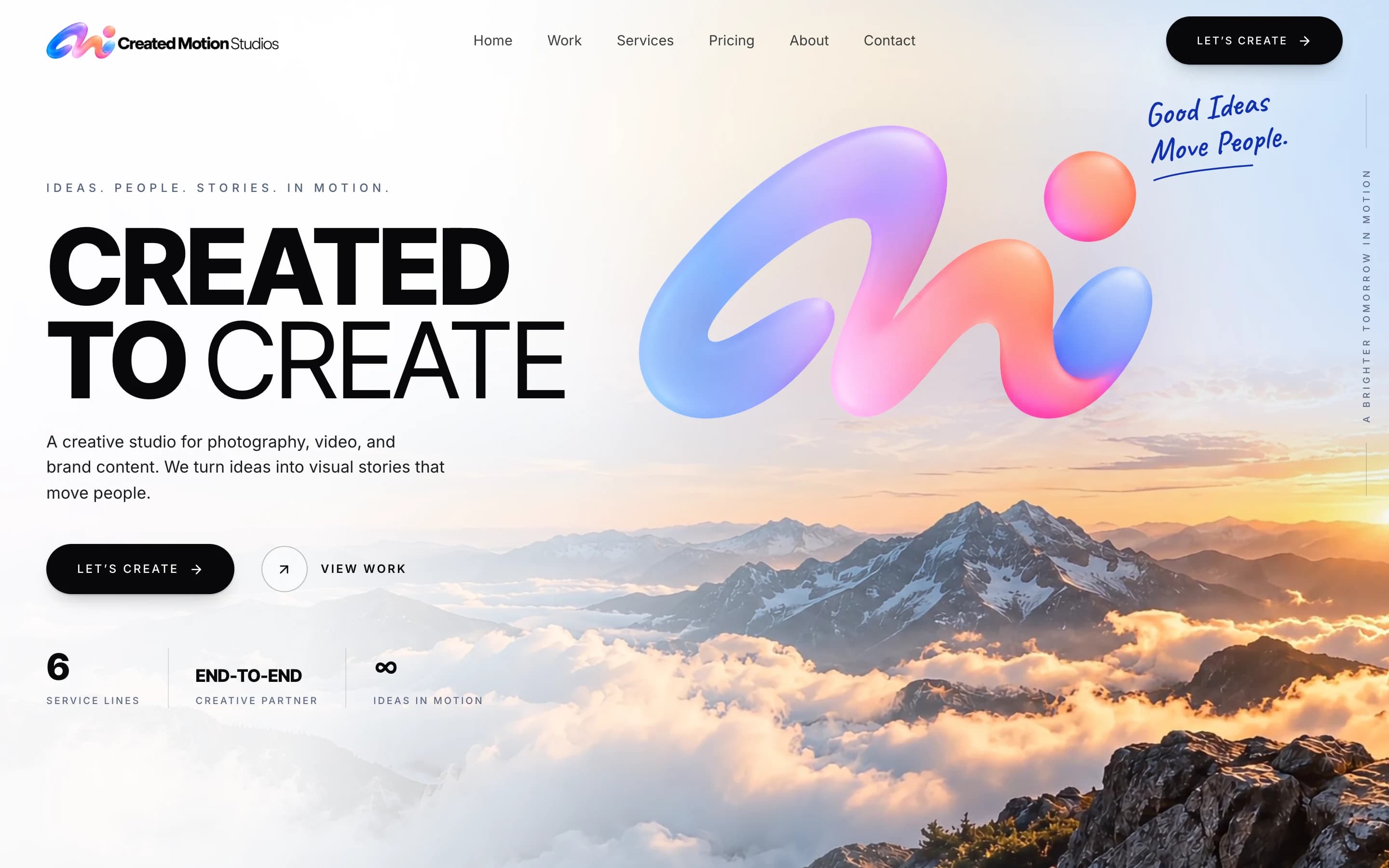
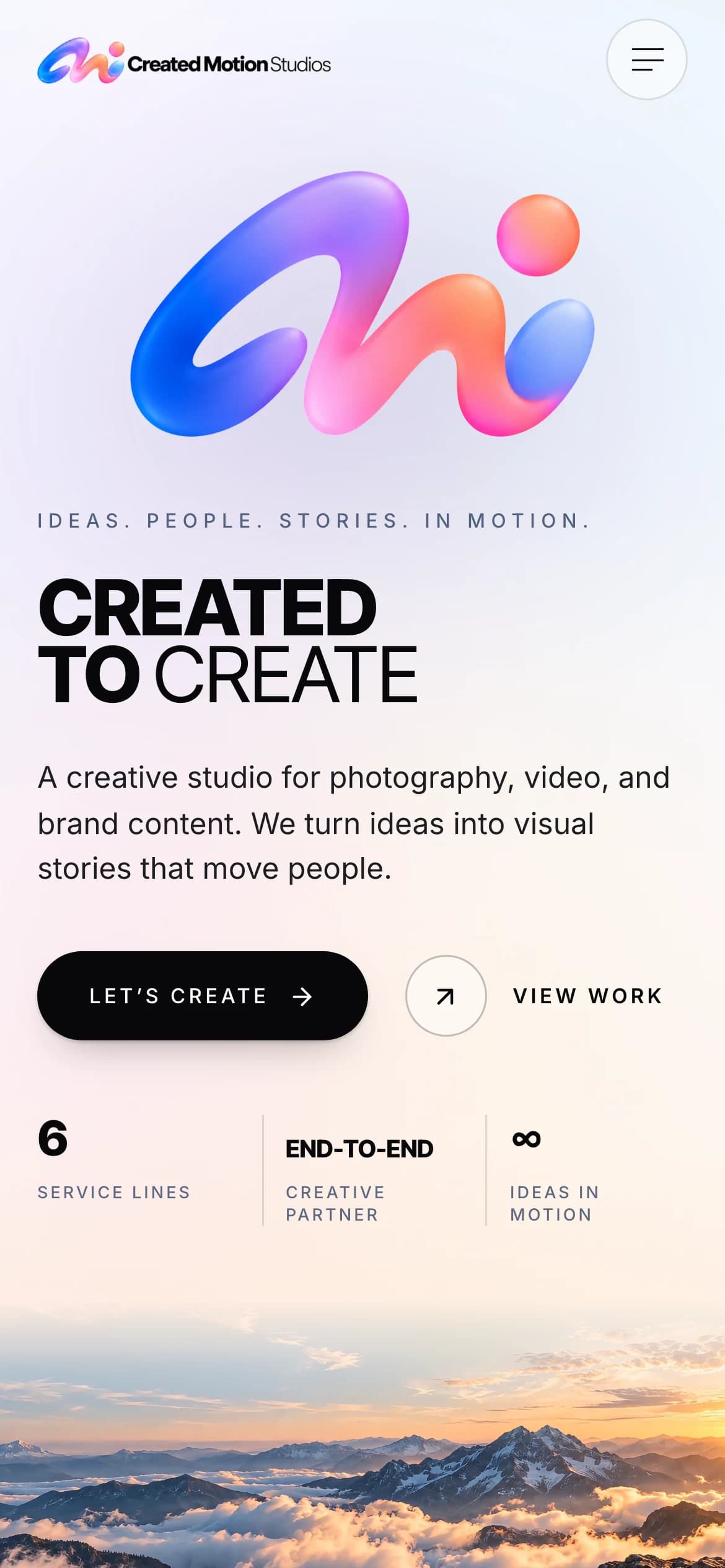
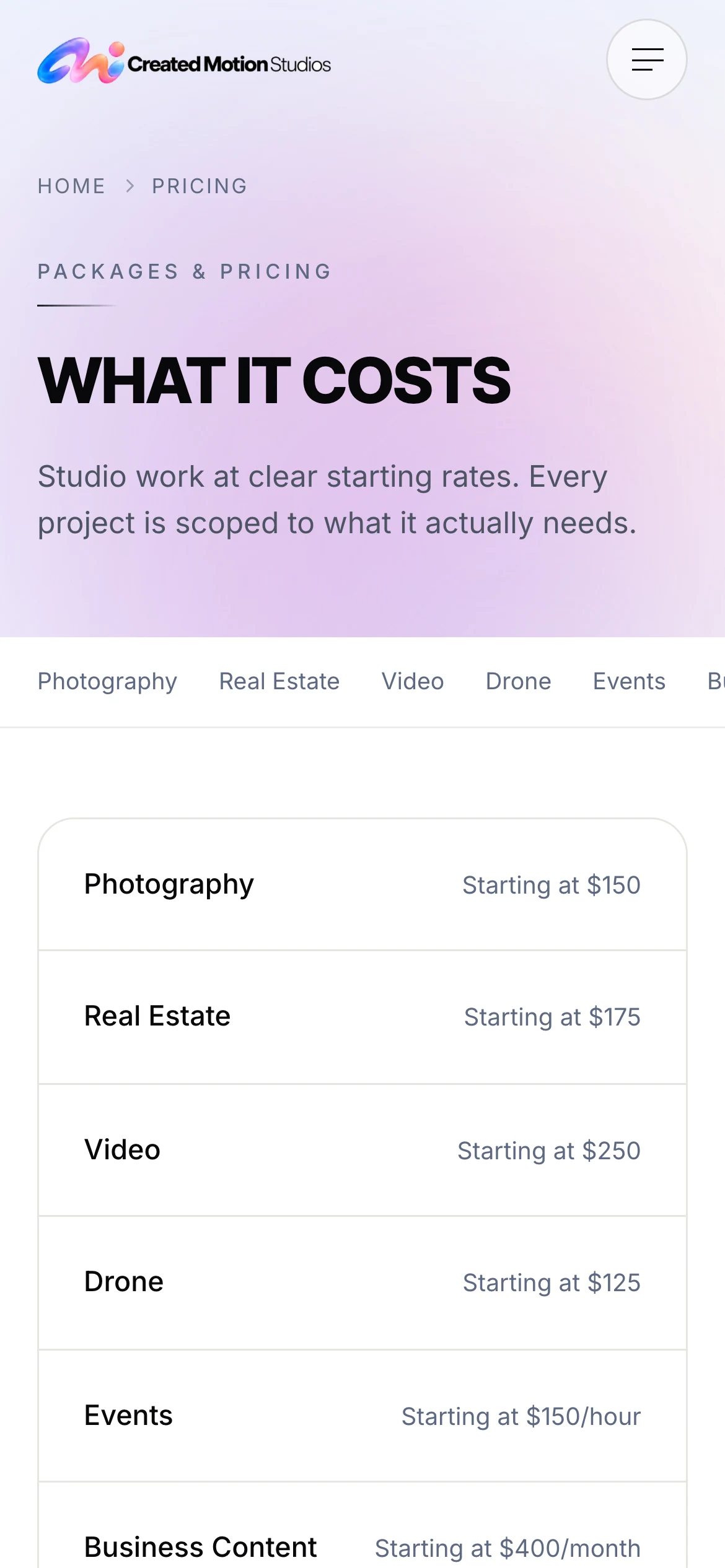
Created Motion Studios is a principal-led creative studio in Jacksonville, making films, photography and campaign content across six service lines: photography, real estate, video, drone, events, and business content.
A studio selling six kinds of work has to make each one easy to find and easy to ask about, and every inquiry has to reach the studio in a form it can act on — without a developer standing between the owner and the studio’s own website.
02 — What we built
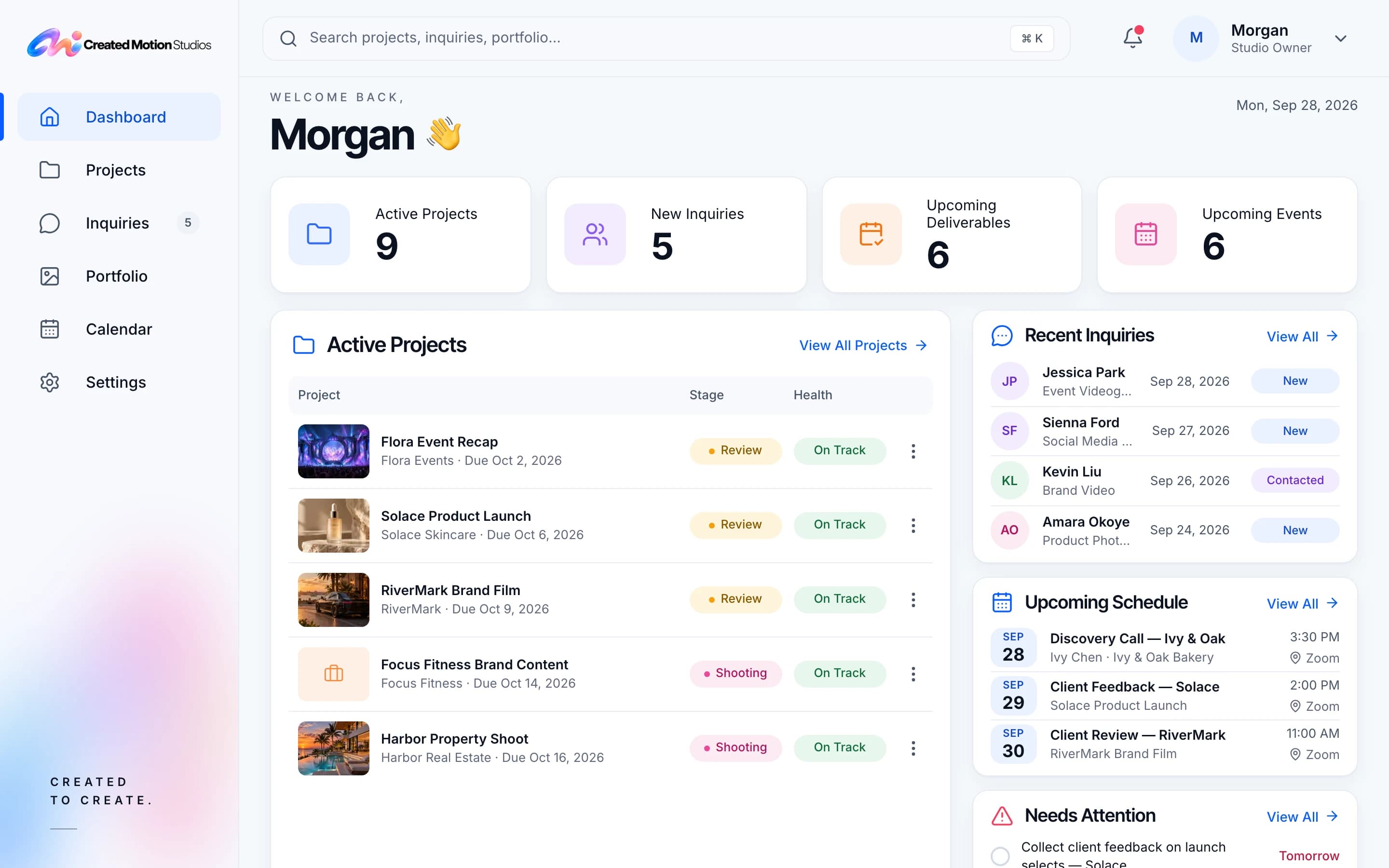
Treat the website and the business behind it as one system: a public site that presents the six services, and a private admin where inquiries, projects and the portfolio are run, both reading from the same source of truth.
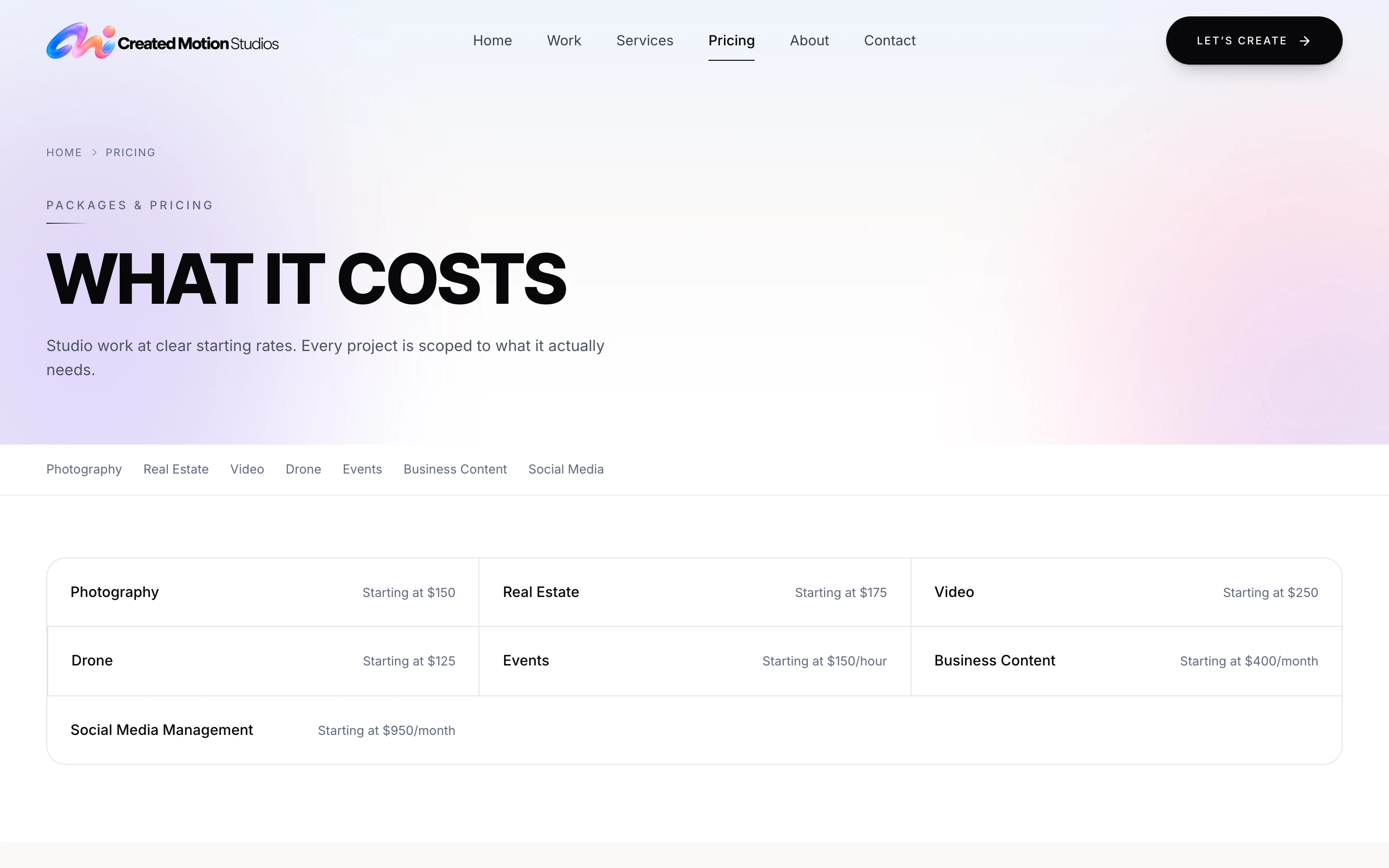
Service page
Six services, each with a page and packages of its own.
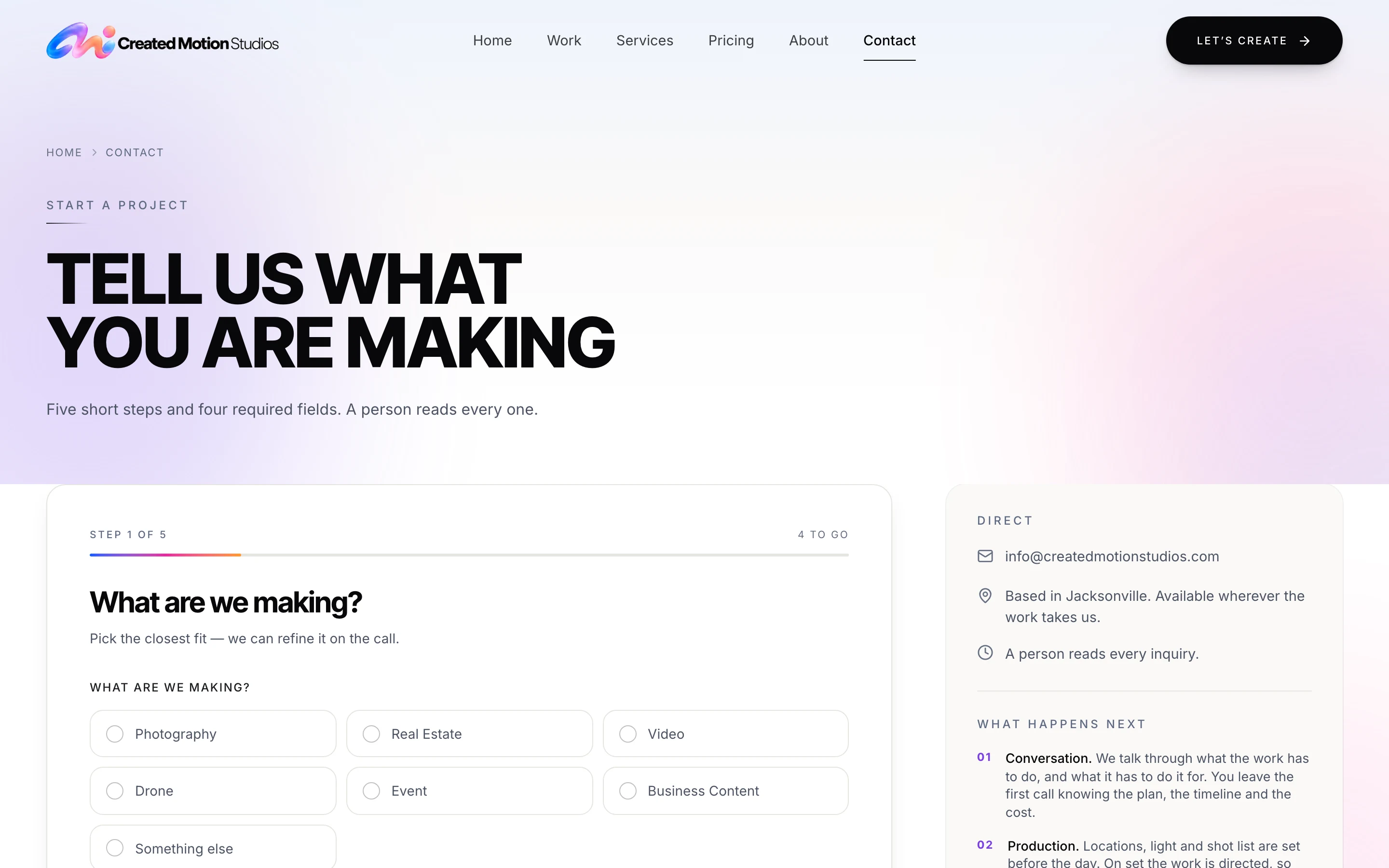
Inquiry form
Opened from a package, it starts with the service chosen.
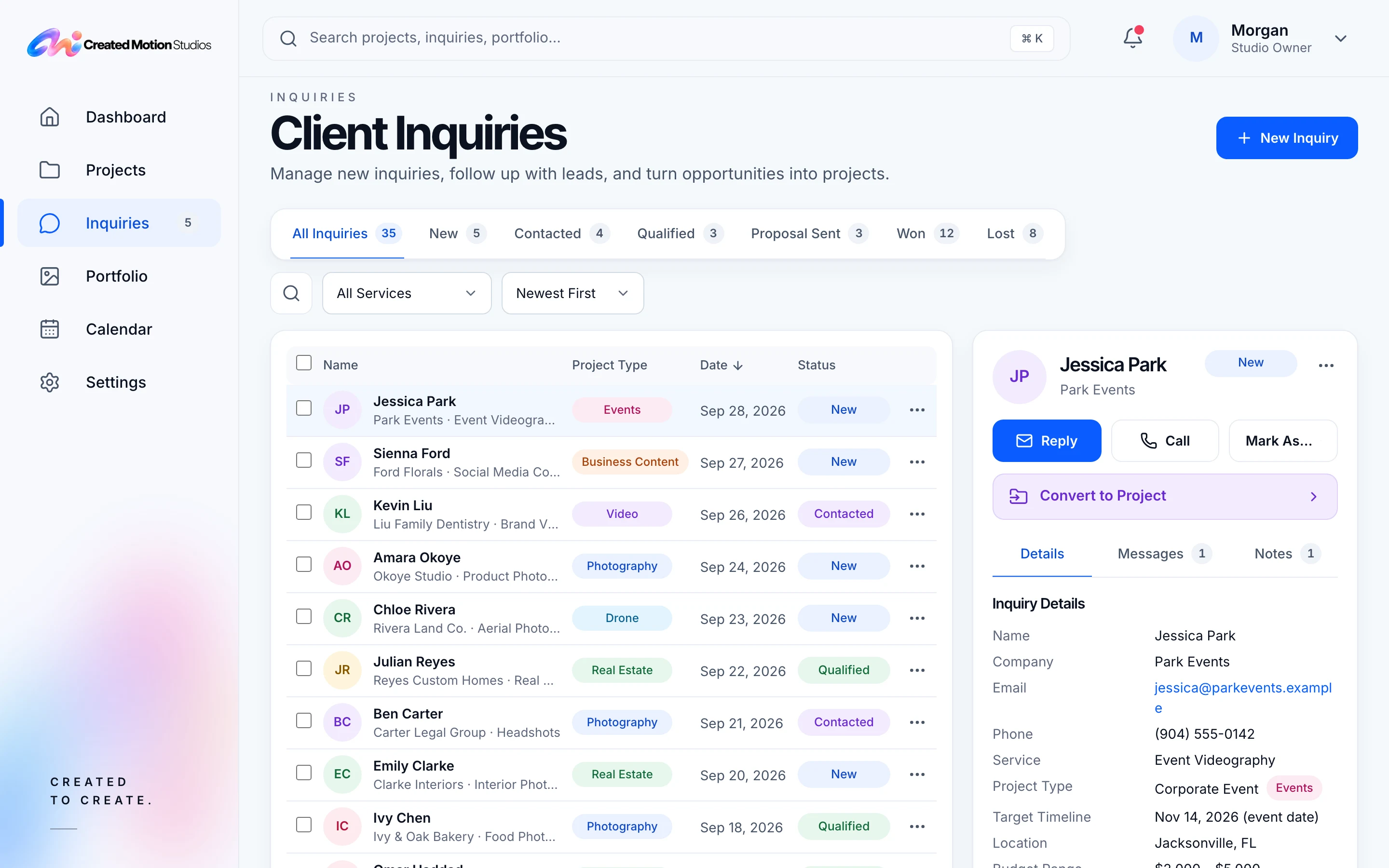
Saved record
Every inquiry is kept as a record, not left in an inbox.
Private admin
It arrives as New, and the studio gets an email alert.
Private admin
The studio adds its work, by service.
Visibility
Each piece is switched visible or hidden.
Work archive
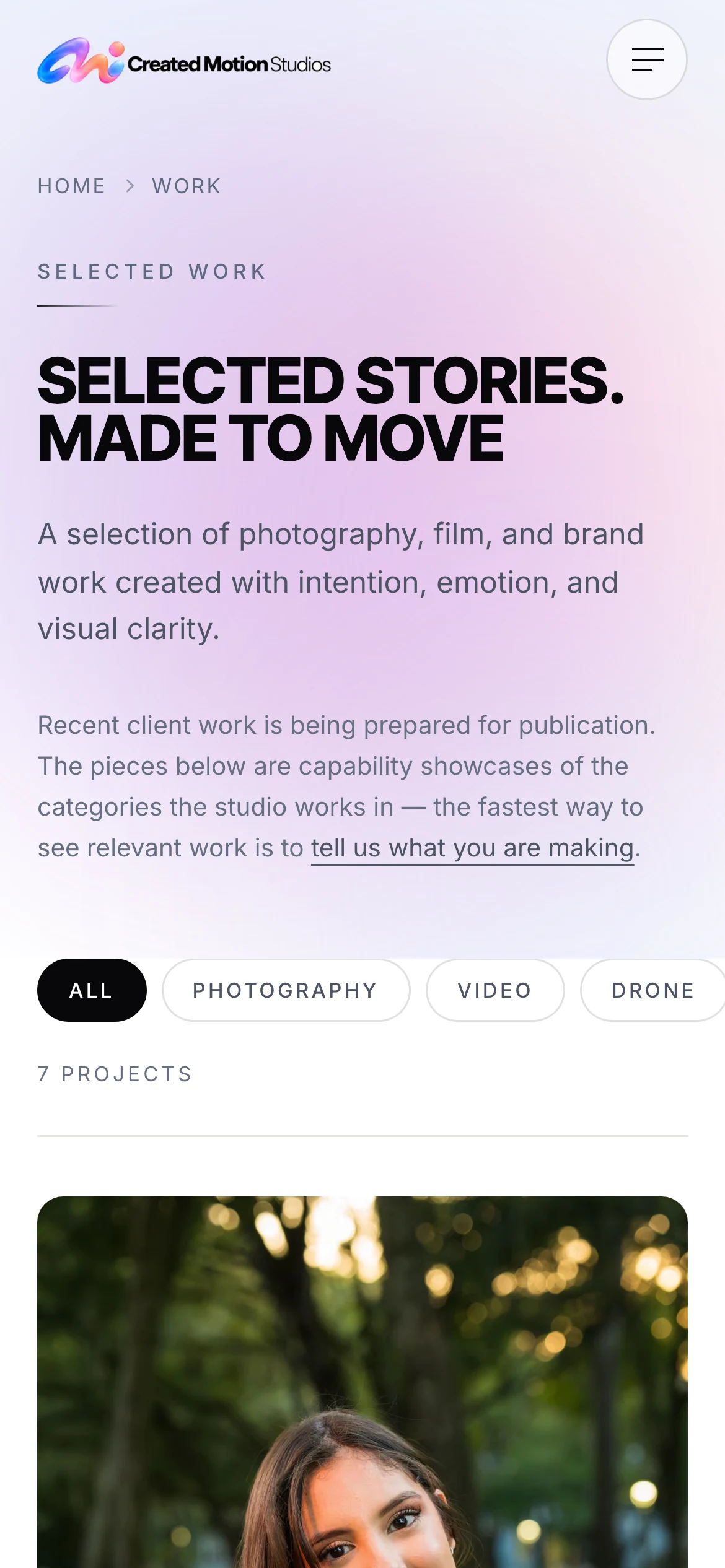
Only what is visible appears, filtered by service.
03 — Key decisions
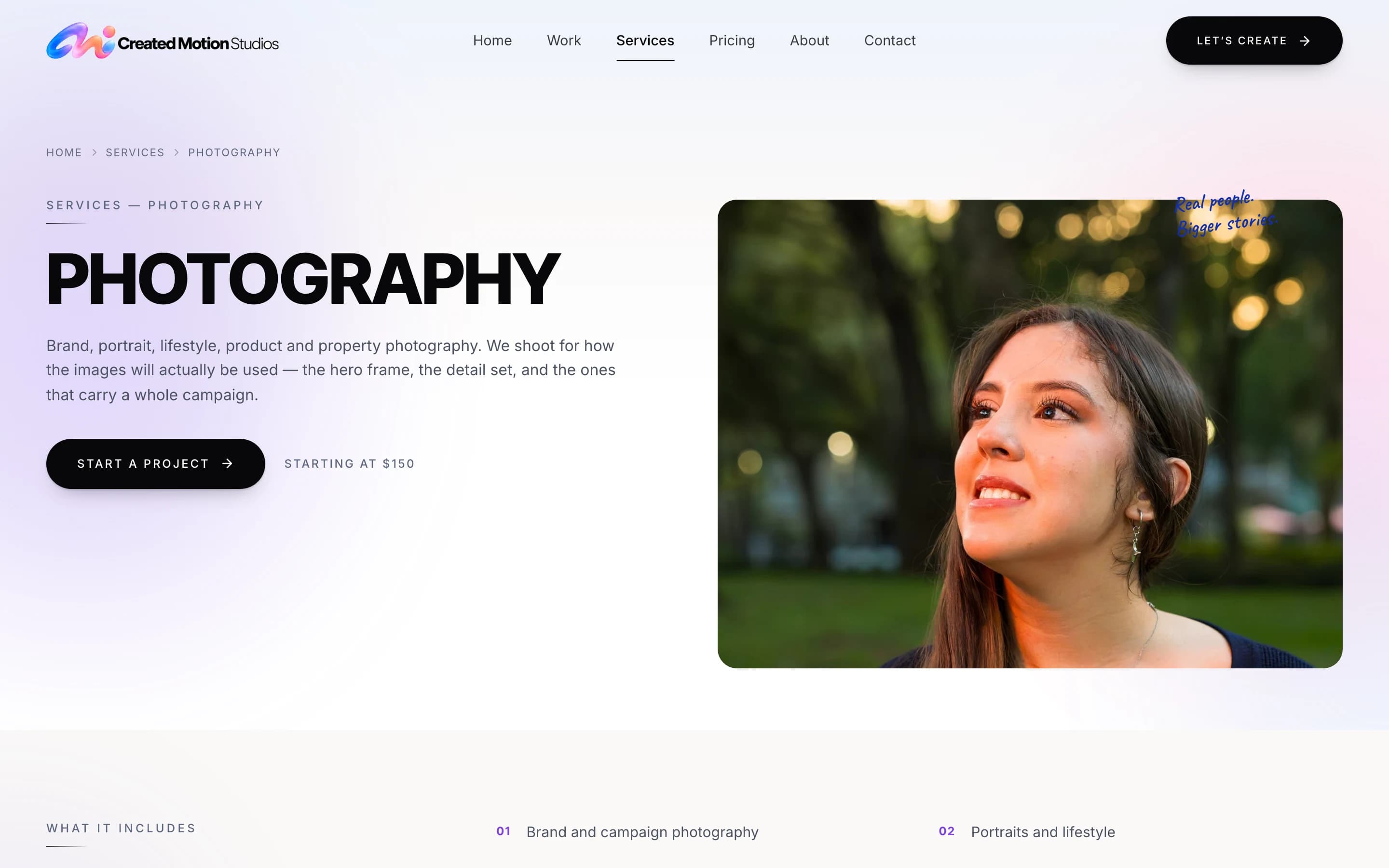
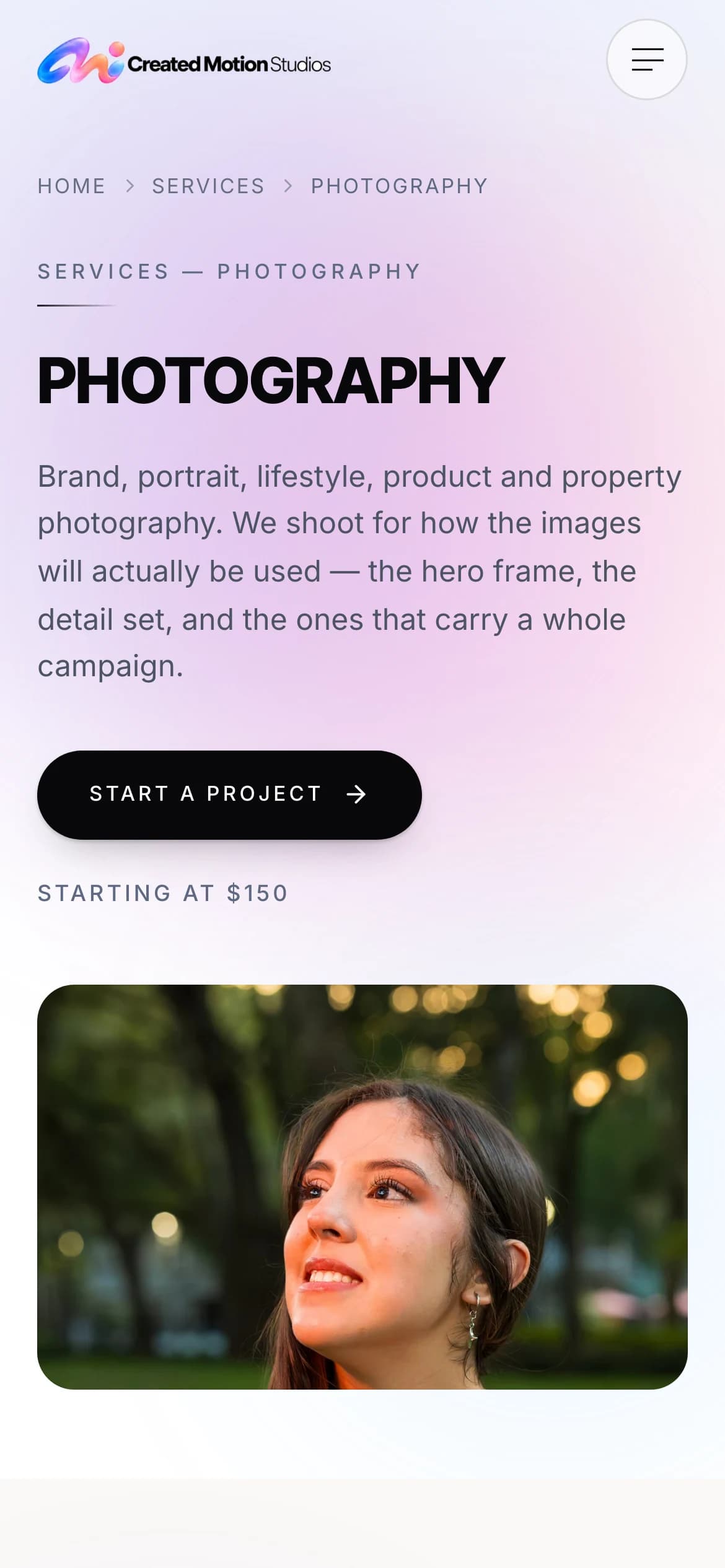
Each of the six services has its own page, and every package on it opens the inquiry form with the service already chosen and the package already named. A visitor never has to translate what they want into the studio’s categories.
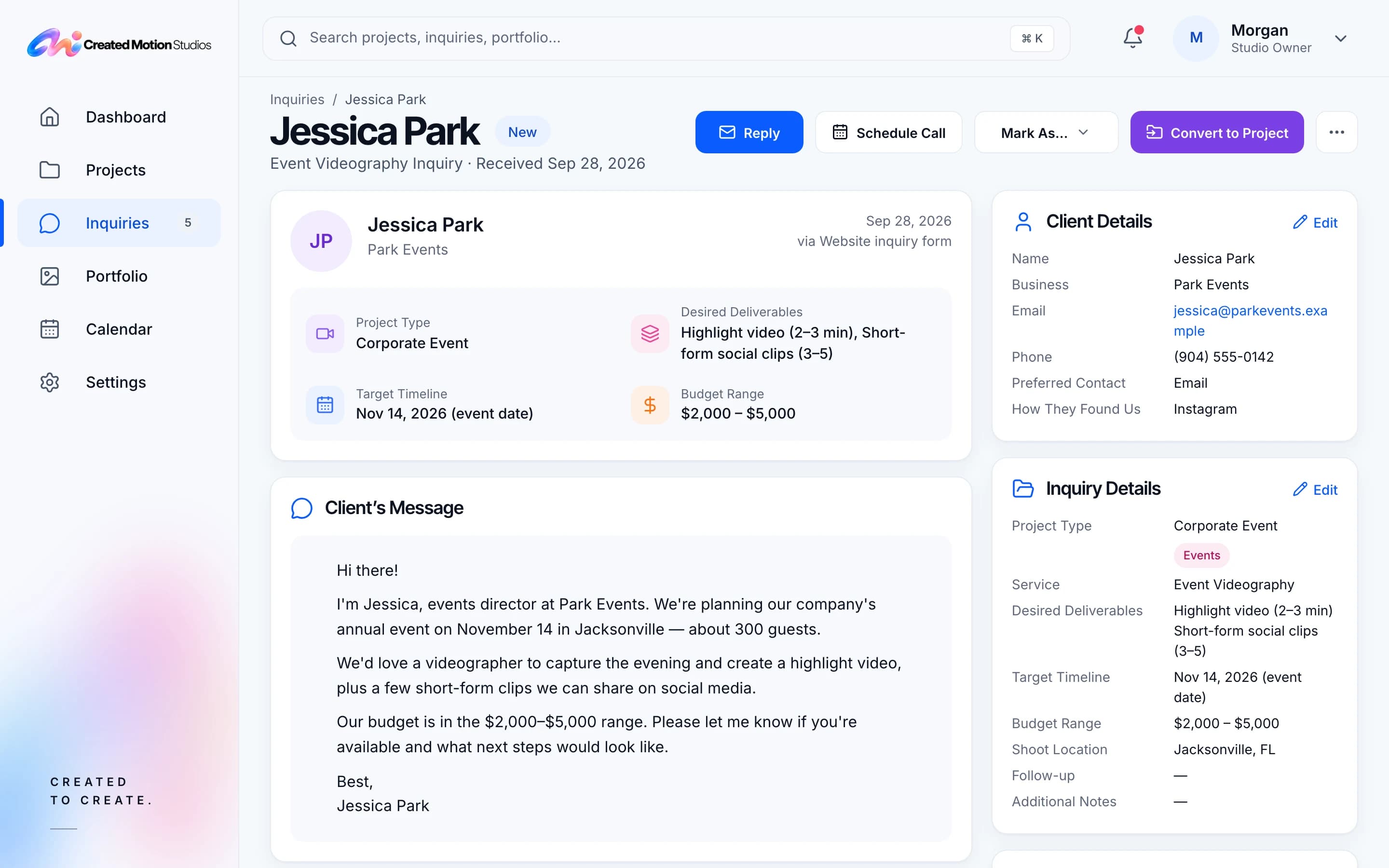
Every inquiry lands in the admin as New, with a reference of its own, and the studio is alerted by email. The record comes first, so a missed email never means a missed inquiry.
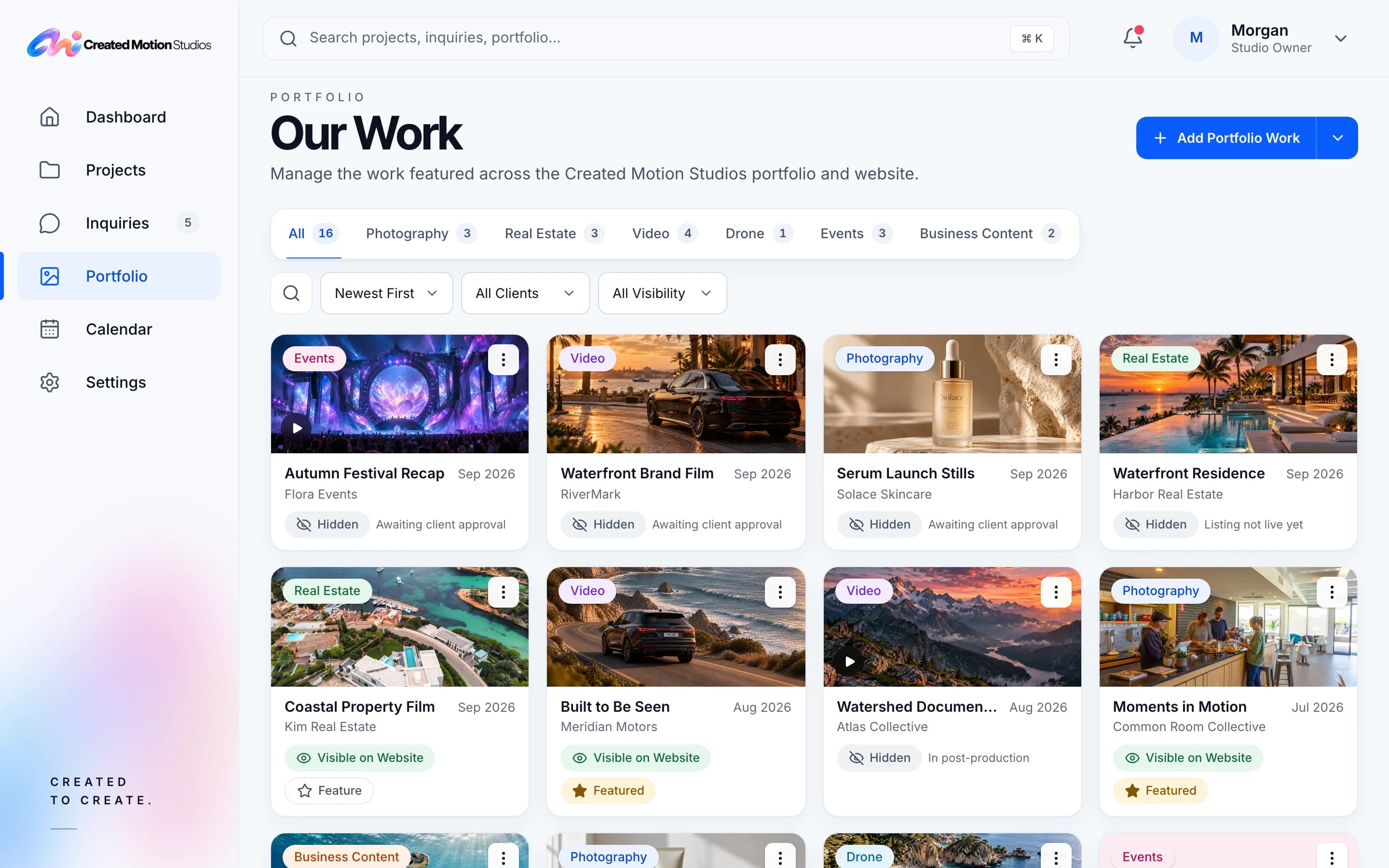
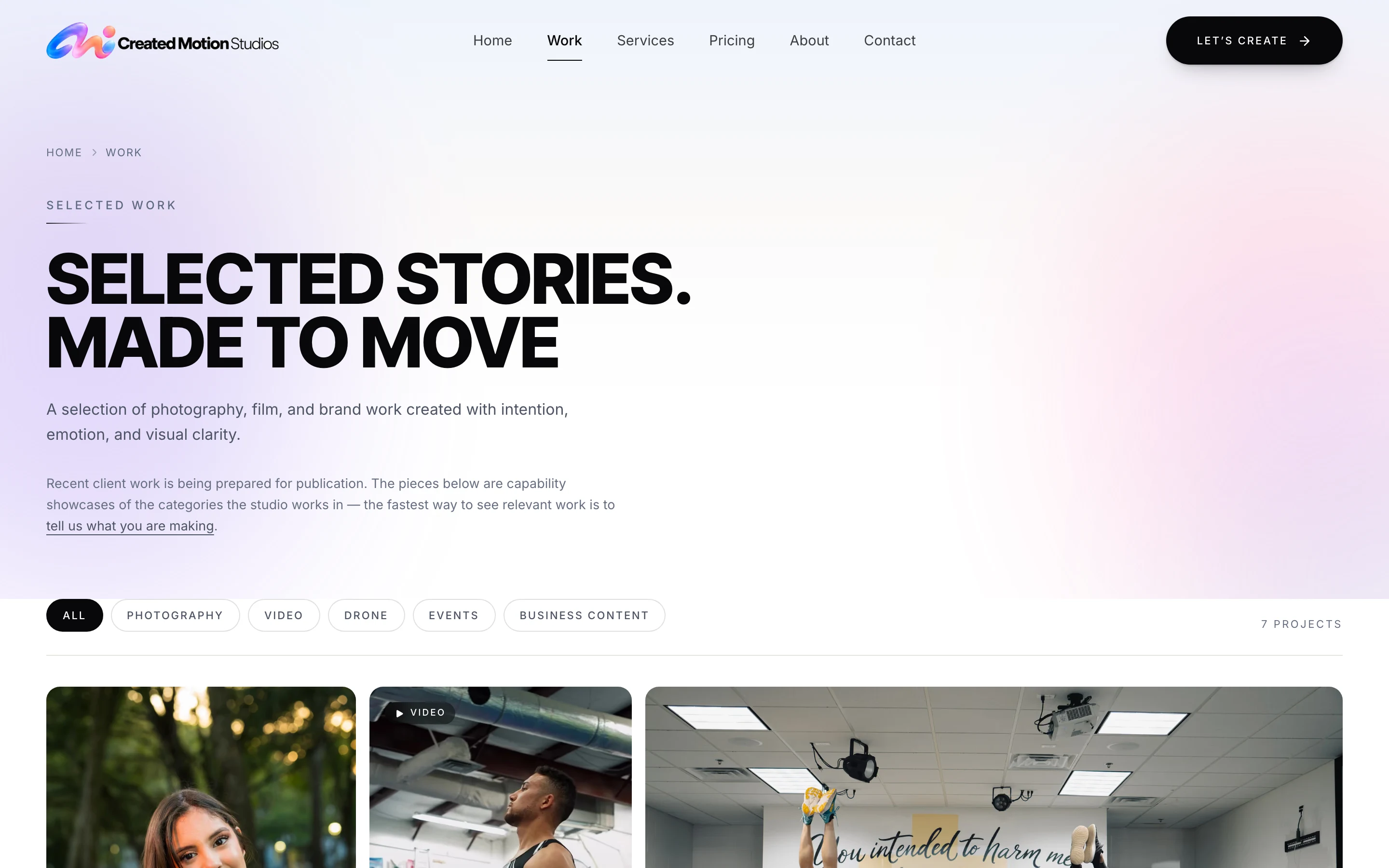
Every piece in the portfolio is switched visible or hidden, and the public archive shows only what is visible. Publishing new work needs no developer and no deploy.
04 — Gallery
05 — Under the hood
Built on Next.js, Supabase and Resend, on Vercel, with separate preview and production databases, so each stage was reviewed without touching live inquiries. Inquiries are rate-limited and deduplicated; a visitor’s IP is kept only as a keyed hash, for 30 days.
06 — Outcome
The studio runs its own site: inquiries arrive in the admin ready to act on, the portfolio is published from the same place, and the public site presents six service lines with a clear way to ask about each.
Start a project
A short message is enough to start. We’ll come back with a clear read on scope and the right next step.